
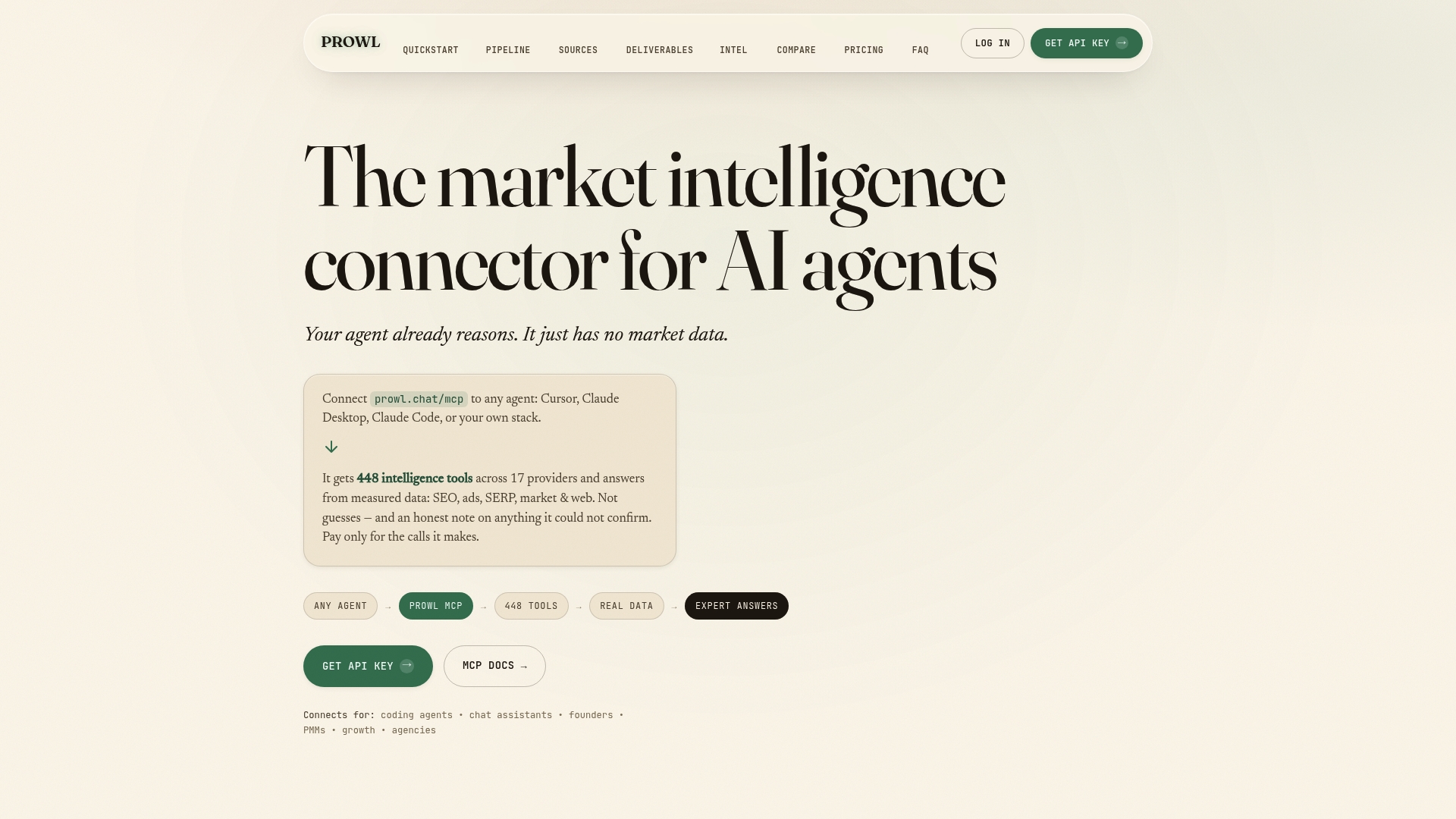
An AI agent for analytics is software that takes a business question, decides which data it needs, pulls that data through tools, checks it and returns a finished analysis, instead of waiting for you to run each query. It works well when it can reach live, sourced data through one connection and when every number it reports can be traced back. That is why we built Prowl as a single endpoint that gives your agent 442 market-intelligence tools, so the agent spends its time analyzing rather than waiting on integrations.
This guide is for agency leads, analysts, product managers, founders and growth teams who want to know what agents can handle today, where they go wrong, and how to set one up so the output holds up in a client meeting.
TL;DR
- An agent plans, calls tools, compares results and writes a synthesis. A chatbot answers from what it already knows, and a dashboard shows only what someone built into it.
- The biggest practical gain is in desk research: gathering, normalizing and cross-referencing competitor, SEO, pricing and review data in minutes rather than hours.
- The biggest risk is confident but wrong numbers. Require a source for every figure and a human sign-off on anything that drives a decision.
- Setup effort decides adoption. One connection to many data tools beats wiring up each provider separately.
- Start with one repeatable report, measure it against your manual version, then widen the scope.
Table of Contents
- What an AI agent for analytics actually is
- What agents are good at in analytics and market research
- Where agents go wrong
- Five questions to ask before you adopt an agent
- Verifying an agent’s findings
- A first project: a competitor and market snapshot
- Which team gets what
- Our perspective
- Pricing and getting started
- FAQ
- Sources
What an AI agent for analytics actually is
Three things get confused, so it helps to separate them.
A chatbot answers a question from its training data or from a document you paste in. It does not go and fetch fresh numbers.
A traditional analytics tool (a BI dashboard, a spreadsheet model, an SEO suite) shows data in views somebody configured in advance. It is excellent at the questions it was built for and stiff on everything else.
An agent is given an objective, such as “how are the top five competitors pricing this quarter, and where is demand shifting?” It identifies relevant sources, gathers and compares information and produces a synthesized summary with less human input at each step, as Corporate Finance Institute describes it. The key word is tools: an agent is only as capable as the tools it can call and the data behind them.
How the loop works
NVIDIA’s engineering team shows the pattern with a data agent that turns a natural-language question into steps. In their walkthrough, the agent queries a structured database with SQL, extracts figures from financial filings, stores results in Excel, runs sentiment analysis on social posts, computes indicators and produces a report with charts. It uses tools such as a calculator and a query executor, with a memory buffer that tracks what it has already done.
For an analyst, that translates into a simple mental model:
- Plan. The agent breaks the question into sub-questions.
- Call tools. It fetches data for each sub-question.
- Check. It compares results across sources and recalculates.
- Report. It writes up findings in the format you asked for.
Step 3 is where quality is decided, and we come back to it below.
What agents are good at in analytics and market research
Agents earn their keep on work that is repetitive, multi-source and time-boxed. For the readers of this guide, that usually means one of five jobs.
Competitive and pricing research
Agents can track competitor pricing and flag shifts in customer demand or underserved areas, according to Corporate Finance Institute. For an agency, that turns a Monday-morning scramble across ten client accounts into one scheduled run.
Trend discovery and opportunity validation
Founders and product managers use agents to test an idea before building. A typical pipeline ingests and normalizes signals from news, financial data and public datasets, then hands them to specialized agents for trend detection, source summaries and opportunity scoring. A well-built version returns structured output with confidence estimates and provenance, and keeps a human in the loop for high-impact decisions, as one practitioner write-up lays out.

SEO and ad performance tracking
Growth teams want to know who ranks, who advertises and what creative keeps running. These are lookups across several data providers, which makes them a natural fit for an agent that can call many tools in one pass.
Funnel and review analysis
Reviews and funnel data are messy and text-heavy. Agents are useful here because they can cluster themes, count them and cite the underlying entries.
Deliverables, not just answers
The analysis is only half the job. Clients expect a deck, a PDF or a chart they can forward. With Prowl, the same workflow can produce interactive reports, PDFs, infographics, PPTX, video and audio, so the agent’s findings arrive in the format the audience actually opens.
Where agents go wrong
A fair assessment of agents starts with the failure modes, because they decide how you design the workflow.
- Invented figures. Promptise’s documentation warns that a generic reasoning loop is risky for natural-language-to-SQL agents, because they can confidently produce plausible but wrong numbers on arithmetic that spans several tables. Its recommended fix is a Plan, Execute, Observe, Reflect pattern, where the answer is released only after a reflection step re-checks the cross-table calculations.
- Weak or stale sourcing. Outputs can contain hallucinations, outdated sources, missing context and overconfident synthesis, which is why human review stays important.
- Strategy is still yours. Agents speed up the desk research phase, but interpreting findings and making complex strategic calls remains a human task, as consultants who use them report.
None of this argues against using agents. It argues for building the check into the pipeline: live data in, sources attached, a recalculation step, and a person approving what goes to a client. If you also care about how your own brand appears in AI-generated answers, an AI Overview checker shows how generated summaries present a page, which is useful context when you review an agent’s output.
Five questions to ask before you adopt an agent
Teams that adopt agents without a plan end up with a pile of half-trusted reports. These questions keep the rollout tidy.
1. Which data does the agent need, and is it live?
A model with no live data will fill gaps from memory. List the sources your reports depend on: search rankings, ad libraries, pricing pages, reviews, traffic estimates, public datasets. Then check that the agent can reach each one at the time of the question.
2. How many integrations will it take?
This is the hidden cost. Connecting an agent to a dozen providers means a dozen authentication flows, schemas and rate limits, each one a thing that breaks. A single endpoint that exposes many tools removes most of that maintenance. It is the reason we offer Prowl as one connection, and it works with any agent or workflow, including Cursor.
3. Can every number be traced?
For client work, “the agent said so” is not a source. Each figure should link back to where it came from, so a reviewer can open the origin in seconds. Prowl is built around reporting where every number is traceable to its source.
4. Who approves what?
Asman Group’s guidance for marketing stacks suggests teams inventory the tools that have agentic features, identify the actions that need explicit human approval and name an owner for each tool. That is a sound minimum: sending an email or changing a bid is a different risk from summarizing a competitor’s pricing page.
5. How will you measure it?
Pick one report you already produce by hand. Time the manual version, run the agent version, and compare accuracy and hours. Expand only when the numbers justify it.
Verifying an agent’s findings
Trust comes from process rather than from the model. A workable review routine has four parts.
Spot-check against the origin. Open the cited source for a sample of figures, especially the ones that carry the conclusion. If the agent cannot show where a number came from, treat it as unverified.
Cross-reference providers. Where two independent data sources should roughly agree, such as search volume and traffic trends, a large gap is a prompt to investigate. Agents that compare multiple providers in one workflow make this routine rather than a special project.
Watch for coverage gaps. A good report states what it could not find. Silence about gaps is more dangerous than a stated limit.
Separate facts from judgment. Ask the agent to label what is data, what is inference and what is recommendation. You then review the inference and recommendation, which is where your expertise matters most.
On governance, the U.S. National Institute of Standards and Technology publishes a Generative AI Profile of its AI Risk Management Framework, released in July 2024, which helps organizations identify the specific risks of generative AI and proposes actions to manage them. It is a good reference if your clients ask how you control AI use. The same discipline applies to decisions: a piece on AI informing decisions rather than replacing them makes the case for keeping accountability with people.
When client or customer data is involved, decide before you start what the agent may access, where outputs are stored and who can see them. If the data is regulated, involve your security or legal lead before the first run.
A first project: a competitor and market snapshot
Here is a scope that fits in a single day and shows whether the approach works for you.
- Define the question. For example: “Who are the five closest competitors for our product in the US, how do they price, where do they advertise, and what do customers complain about?”
- Connect the agent to the tools. Add one MCP connection (the open protocol most agent environments use to reach external tools) rather than one per data source.
- Run the research. Ask for competitor pricing, SEO positions, ad activity and review themes in one workflow.
- Demand sources. Instruct the agent to attach a source to every figure and list what it could not find.
- Review and edit. Spot-check ten figures, rewrite the conclusions in your own voice and choose the format: PPTX for a client, PDF for an internal memo.
- Record the time saved. Compare against your last manual version.
We walk through this approach in more detail in our guide to launching AI agent market research in one day, and our overview of AI business analytics for analysts covers the analyst workflow. If you want to see what other teams run, browse the use cases, including market research data for AI agents and ad creative research.
Which team gets what
| Team | Typical question | What the agent does |
|---|---|---|
| Marketing agency | How did each client’s competitors move this month? | Runs the same report across accounts and outputs client-ready decks |
| Business analyst | What is the market size and trend for this segment? | Synthesizes sources with citations for review |
| Product manager | Is demand rising for this feature category? | Compares reviews, search interest and competitor releases |
| Founder | Is this niche underserved? | Scans pricing, ads and customer complaints for gaps |
| Growth team | Which channels and creatives are working for rivals? | Tracks SEO and ad performance and surfaces patterns |
Our perspective
Most analytics agents we see stall in the same place: the model is capable, but the data plumbing is not. Every new provider means another integration to build and maintain, and the agent can only reason about what it can reach.
We built Prowl on one idea: give any agent or workflow a single connection to 442 marketing-intelligence tools, across 17 market sectors, so the work shifts from wiring to analysis. Competitive research, SEO and ad performance, funnel and review analysis, pricing and market trends all run through the same endpoint, and the findings can be cross-referenced across providers in one workflow.
We also believe a report is only worth sending if you can defend it. That is why our reporting is designed so every number traces back to its source, and why we aim to state coverage gaps rather than hide them. Decisions should rest on verified insight, not assumptions.
Prowl Team
Pricing and getting started
Prowl bills in two ways, and you can mix them. Monthly plans start with Exploit at $60 per month, then Blackops at $120 per month and Syndicate at $240 per month; a Recon plan is also listed. If you prefer to pay as you go, pre-paid credits come in $10, $50 and $200 amounts, spent as your agents call tools and generate reports.
For a first project, a small credit top-up is enough to run the snapshot described above. See the plans and credit options on the Prowl pricing page, or start from prowl.chat to connect your agent.
FAQ
What is the difference between an AI agent and an AI chatbot for analytics?
A chatbot answers from what it already knows or from text you give it. An agent receives an objective, decides which tools to call, fetches data, compares results and returns a synthesized report. For analytics, the agent’s access to live data is what makes its output usable.
Can AI agents replace a data analyst?
They take over the repetitive desk research: gathering, cleaning, cross-referencing and first-draft reporting. Interpreting the findings and making strategic decisions still needs a person, so analysts spend less time collecting data and more time on judgment and client conversations.
How do I know an agent’s numbers are right?
Require a source for each figure, open a sample of those sources, and have a person approve anything that drives a decision. Agents that cross-check several providers and state coverage gaps make this review faster. Prowl’s reporting is built so each number traces back to where it came from.
Are AI agents useful for market research as well as analytics?
Yes. Market research is one of their strongest uses, because it combines many sources: competitor pricing, search and ad activity, reviews and news. An agent can run that gathering in minutes and hand you a structured summary to validate and refine.
Sources
- AI Agents for Market Research: Guide and Use Cases, Corporate Finance Institute
- Build an LLM-Powered Data Agent for Data Analysis, NVIDIA
- Data Analysis AI Agent: Natural Language to SQL, Promptise
- AI Agents for Market Research: Trend Detection, Source Summaries and Opportunity Analysis
- How Consultants Use Gen AI Tools for Market Research
- AI Agents in Your MarTech Stack: What to Ask First
- AI Risk Management Framework, NIST